
It’s easy to switch the day you’re viewing in your Journal review, past days, or plan ahead by logging on for future dates.
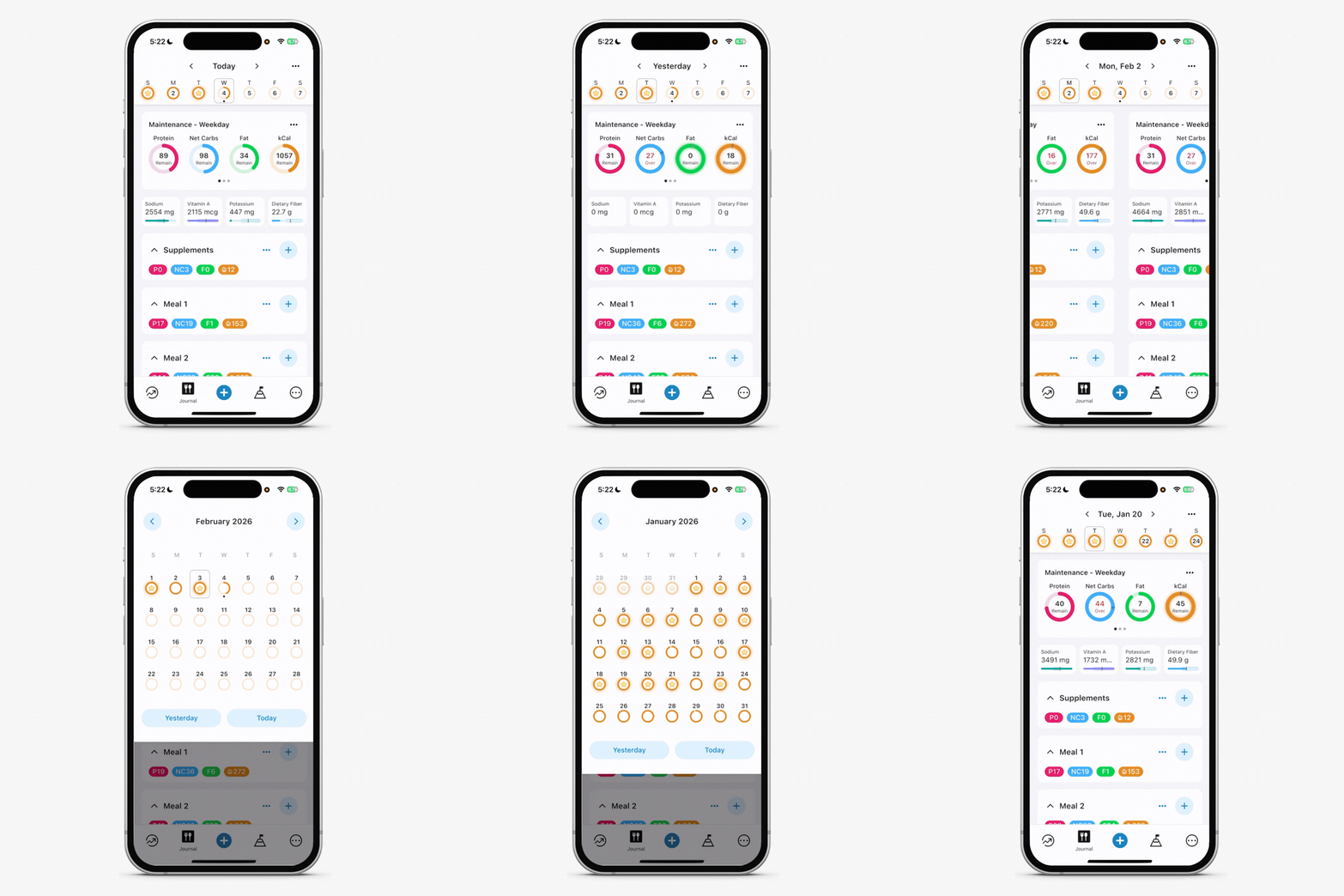
You can move between days in two ways:
Swipe Between Days
Swipe left or right anywhere on your daily log to move to the previous or next day. This is the fastest way to review entries from nearby dates.
Use the Calendar View
At the very top of the screen, tap Today or the current date displayed between the left and right arrows.
This opens the calendar view, where you can:
Jump to a specific date
Move between months
Quickly return to Today or Yesterday’s log
These navigation options help you easily review trends, edit past entries, or plan upcoming days in your Journal.