
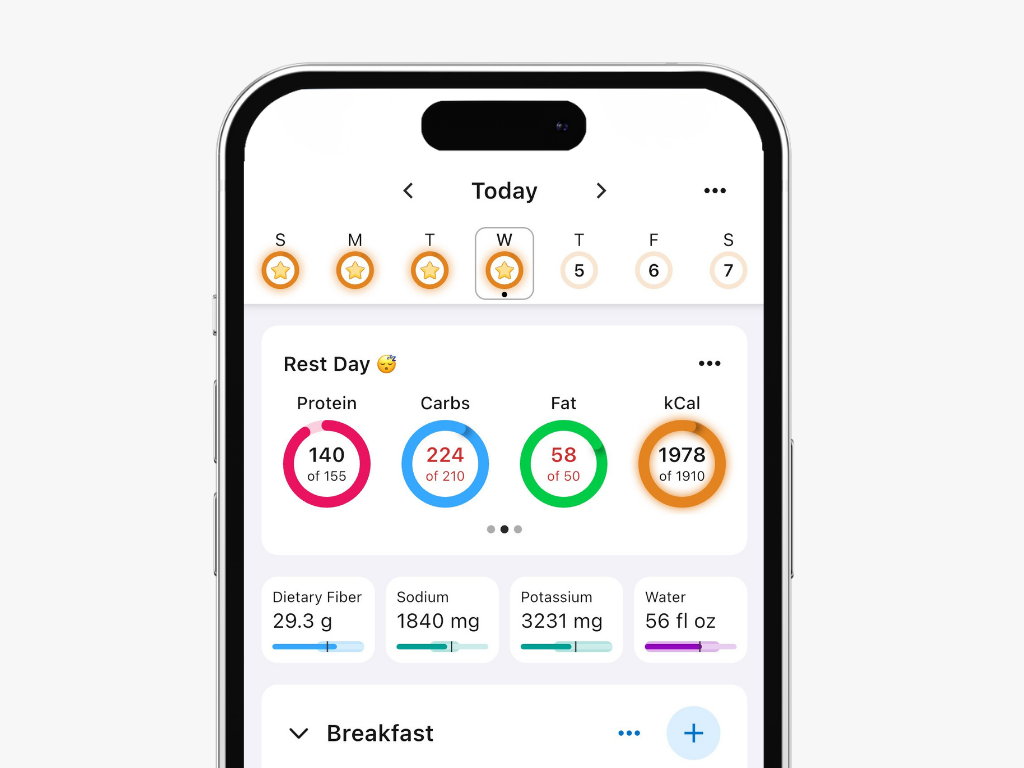
Some people like seeing overages in red, and others hate it. That's why we built the ability to control how the overages are displayed on your Journal.
How to Enable This Setting
To show overages in red:
Go to the More tab in the bottom right corner
Tap Display
Enable Show Overages in Red
Once enabled, if a macro exceeds its target, the total amount for that macro will appear in red on your daily Journal in the header as well on each meal where meal-level goals exist.